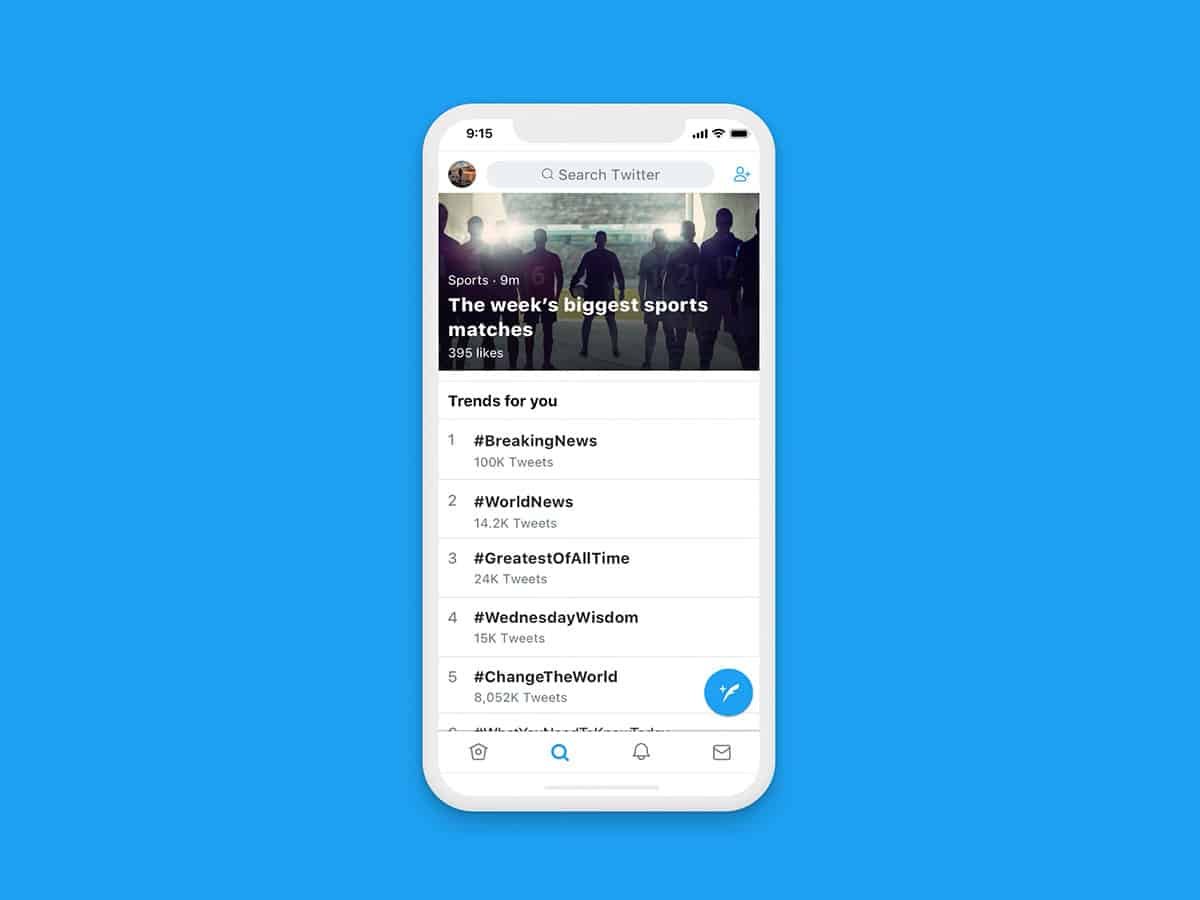
When you’re ready to bring your brilliant idea for a Twitter application to life, the journey from concept to a fully functioning, public-facing service can seem daunting. But with the right strategy and modern cloud tools, integrating and deploying your Twitter app isn't just feasible; it can be surprisingly efficient and even cost-effective. We're talking about leveraging a platform with hundreds of millions of active users, tapping into a rich vein of public data, and potentially creating something truly impactful—or just a fun, shareable utility.
This guide will walk you through the essential steps, from setting up your development environment to choosing the best modern cloud services for seamless deployment. Whether you’re building a simple feed integrator or a complex analytics dashboard, we’ll help you navigate the process with confidence, ensuring your application is not only functional but also secure, scalable, and a pleasure for users to interact with.
At a Glance: Your Twitter App Journey
- Secure Your Foundation: Start with a Twitter Developer Account and understand API keys and access tokens.
- Choose Your Architecture: Decide between direct API calls or specialized proxy services for data fetching.
- Build Smart, Not Hard: Leverage AI-powered UI tools like v0.dev for rapid frontend development or traditional HTML/CSS/JS.
- Deploy with Ease: Utilize modern serverless platforms like Cloudflare Pages for free, global, high-performance hosting.
- Prioritize Security & Compliance: Protect API keys, monitor usage, and adhere strictly to Twitter's (X's) Terms of Service.
- Plan for Growth: Design with error handling, rate limiting, and future scaling in mind.
Why Building a Twitter App Still Matters
Despite the platform's rebrand to "X" and various API changes, Twitter remains a colossal digital town square, making tools that interact with its data incredibly valuable. For developers, this presents a unique opportunity:
- Massive User Base: With over 350 million active users, even a niche application can find a substantial audience.
- Learning Opportunity: Building a Twitter app is a fantastic way to dive into modern web development, API interaction, and cloud deployment.
- Viral Potential: Tools that analyze user behavior, summarize trends, or offer unique insights often spread rapidly, echoing the success of apps like Twitter Wrapped.
- Cost Efficiency: With the right cloud tools, you can build and deploy powerful applications with little to no infrastructure cost.
Imagine creating an app that analyzes tweet patterns, generates user statistics, or visualizes engagement. These aren't just technical exercises; they can be engaging, shareable experiences for your users.
Navigating the Twitter (X) API Landscape
Before you write a single line of code, you need to understand the gateway to Twitter's data: the API. Accessing it requires a Twitter Developer Account, where you’ll create an "app" to generate your unique credentials.
Your Digital Keys: API Keys and Bearer Tokens
When you create a Twitter app in your Developer Dashboard, you'll receive critical identifiers:
- API Key (Consumer Key): Identifies your application.
- API Secret Key (Consumer Secret): A secret key that authenticates your application. Keep this absolutely secure!
- Bearer Token (App-only token): A credential often used for read-only access to public information, like fetching tweets from a public profile. It simplifies authentication for many common tasks.
Why are these important? They act as your app's passport and visa to interact with Twitter's servers. Without them, you can't request data or perform actions. Think of them like the keys to a secure vault; you wouldn't leave them lying around.
The Rules of the Road: Rate Limits and Terms of Service
Twitter's API has rate limits—restrictions on how many requests your application can make within a certain timeframe. Exceeding these limits will result in temporary blocks, so your application needs to handle them gracefully.
Crucially, every application must comply with Twitter's (X's) Developer Terms of Service and Developer Policy. This includes guidelines on data usage, privacy, and how you present Twitter content. Misuse can lead to your app being suspended or your developer account being revoked. Always build with compliance in mind.
Architecting Your Modern Twitter App: Choices That Matter
The beauty of modern web development lies in the flexibility of its architecture. You have several choices for how you'll build your app's frontend, handle data, and deploy it, each offering unique advantages.
Frontend: Traditional vs. AI-Powered React
1. The Classic Approach: HTML, CSS, and JavaScript
For simpler applications, or if you prefer a solid foundational understanding, building your UI with vanilla HTML, CSS, and JavaScript is a robust choice. You create an HTML file for structure, a CSS file for styling, and a JavaScript file to handle interactions and data fetching. This method gives you granular control and is excellent for learning.
- Pros: Full control, no external framework overhead, great for basic integrations.
- Cons: Can be slower for complex UIs, requires more manual coding for interactivity.
2. Modern Acceleration: AI-Powered UI Generation (e.g., v0.dev)
For speed and modern aesthetics, tools like v0.dev are revolutionizing UI development. You describe the interface you want (e.g., "a username input, cards showing follower counts, an engagement graph, and share buttons"), and it generates production-ready React components. This significantly slashes development time, letting you focus on the app's core logic. - Pros: Extremely fast UI prototyping, modern component library (React), professional-looking designs with minimal effort.
- Cons: Learning curve for the generated framework (e.g., React) if you're new to it, may require tweaking the AI's output.
Backend and Data Access: Direct Calls vs. Specialized Services
1. Direct API Integration
You can make direct calls to the Twitter API from your JavaScript code (though typically this is proxied through your own backend to protect API keys). Using the fetch API with your bearer token in the request header, you can retrieve data like recent tweets from a specified account. This requires careful handling of authentication and rate limits.
- Pros: Direct access, full control over requests, no third-party dependency.
- Cons: Requires managing authentication securely (never expose keys client-side!), handling rate limits and error responses yourself, potential for more complex code.
2. Leveraging a Specialized Twitter Data Service (e.g., TwitterAPI.io)
For more reliable data access, especially under heavy load, consider services like TwitterAPI.io. These platforms act as a robust proxy, offering features like high query per second (QPS) capacity, faster response times, and often abstracting away Twitter's authentication complexities. They handle the heavy lifting of API interaction, letting you focus on your app's unique features. - Pros: Increased reliability and performance, abstracts away Twitter API complexities, often doesn't require direct Twitter authentication for end-users, built-in rate limit management.
- Cons: Introduces a third-party dependency and potential costs, less direct control over the raw API interaction.
Deployment: Serverless with Global CDN (Cloudflare Pages)
Once your app is built, it needs a home. Modern serverless platforms offer unparalleled ease of deployment, global reach, and often, a free tier for small projects.
Cloudflare Pages is an excellent example. It provides free hosting with SSL, a global Content Delivery Network (CDN) for fast load times worldwide, and automatic deployments directly from your GitHub repository.
- Pros: Zero infrastructure cost, instant global availability, automatic SSL, continuous deployment (push to GitHub, it deploys), integrated CDN for speed.
- Cons: Best suited for static sites or Jamstack applications; dynamic server-side logic might require Cloudflare Workers or other serverless functions.
Step-by-Step: From Concept to Live Twitter Application
Let's break down the practical steps to get your Twitter app up and running.
Phase 1: Setting Up Your Twitter Developer Environment
- Create a Twitter Developer Account: Head to the Twitter Developer Portal. You'll need to apply for a developer account, which typically involves explaining your intended use case.
- Create a New App: Once approved, navigate to your Developer Dashboard, select "Projects & Apps," and create a new app. Give it a descriptive name.
- Retrieve API Keys: In your app's settings, go to the "Keys and Tokens" tab. Here you'll find your "API Key" and "API Secret Key." Generate a "Bearer Token" as well. Copy these immediately and store them securely. Never hardcode them directly into your frontend code or public repositories. Environment variables are your friend!
Phase 2: Designing Your User Interface
Your UI is the face of your application. This is where users will input their data (e.g., a Twitter username) and see your app's insights.
Option A: Manual HTML, CSS, and JavaScript
- HTML Structure (
index.html):
html
Twitter Feed Integrator
${tweet.text}
${new Date(tweet.created_at).toLocaleString()} `; tweetsDiv.appendChild(tweetElement); }); } else { tweetsDiv.innerHTML = 'No tweets found for this user, or tweets are protected.
'; } } catch (error) { console.error('Error fetching tweets:', error); tweetsDiv.innerHTML = `Error: ${error.message}
`; } } **Important Security Note:** Directly embedding `YOUR_BEARER_TOKEN` in client-side JavaScript is a major security risk. For production apps, you *must* use a server-side component (like a serverless function) to make API calls to Twitter, keeping your secret keys safe from public view. **Option B: Using a Specialized Service (e.g., TwitterAPI.io)** If using a service like TwitterAPI.io, the integration often involves a simpler API call to *their* endpoint, passing the Twitter username. Your `script.js` would then look something like this (conceptual, as specific API calls vary by service): javascript document.getElementById('fetchTweetsButton').addEventListener('click', fetchTweetsWithProxy); async function fetchTweetsWithProxy() { const username = document.getElementById('usernameInput').value.trim(); if (!username) { alert('Please enter a Twitter username!'); return; } const tweetsDiv = document.getElementById('tweets'); tweetsDiv.innerHTML = 'Loading tweets via proxy...'; try { // Replace with actual TwitterAPI.io endpoint and your API key for their service const response = await fetch(`https://api.twitterapi.io/v1/user/${username}/tweets?count=5&api_key=YOUR_TWITTERAPI_IO_KEY`); if (!response.ok) { throw new Error(`Failed to fetch tweets from proxy: ${response.statusText}`); } const data = await response.json(); tweetsDiv.innerHTML = ''; // Clear loading message if (data.tweets && data.tweets.length > 0) { data.tweets.forEach(tweet => { const tweetElement = document.createElement('div'); tweetElement.classList.add('tweet'); tweetElement.innerHTML = `${tweet.text}
${new Date(tweet.created_at).toLocaleString()} `; tweetsDiv.appendChild(tweetElement); }); } else { tweetsDiv.innerHTML = 'No tweets found for this user, or tweets are protected.
'; } } catch (error) { console.error('Error fetching tweets:', error); tweetsDiv.innerHTML = `Error: ${error.message}
`; } } This method offloads much of the complexity and security risk (related to Twitter's own API keys) to the third-party service, simplifying your code. #### Phase 4: Deploying Your Application with Cloudflare Pages This is where your local project becomes a globally accessible web app. 1. **Version Control:** Initialize a Git repository in your project folder (`git init`) and commit your code (`git add .`, `git commit -m "Initial commit"`). 2. **GitHub Connection:** Create a new repository on GitHub (or GitLab/Bitbucket) and push your local code to it. 3. **Connect to Cloudflare Pages:** * Log in to your Cloudflare account (or create one). * Navigate to "Pages" in the dashboard. * Click "Create a project" and select "Connect to Git." * Authorize Cloudflare to access your GitHub account and select the repository where you pushed your Twitter app code. 4. **Configure Build Settings:** * **Project Name:** Give your project a recognizable name. * **Build command:** For a simple HTML/CSS/JS app, you often don't need a build command (leave blank or specify `npm run build` if you have a `package.json` with a build script). For React apps generated by v0.dev, it might be `npm run build`. * **Build output directory:** For a simple app, this is usually `.` or `public`. For React apps, it's typically `build` or `dist`. * **Environment Variables:** Crucially, add any sensitive API keys here (e.g., `YOUR_TWITTERAPI_IO_KEY`). These are injected at build time and are not publicly exposed. 5. **Deploy:** Click "Save and Deploy." Cloudflare Pages will fetch your code, run any build commands, and deploy your application to their global network. You'll get a unique URL (e.g., `your-app-name.pages.dev`). Congratulations! Your Twitter application is now live, globally available, and hosted for free. ### Best Practices for Robust Twitter Apps Building a functional app is one thing; building a *robust* one is another. Here’s how to ensure your Twitter app stands the test of time and traffic. #### Security First: Never Expose Your Keys This cannot be stressed enough. Your Twitter API keys, secrets, and bearer tokens are confidential. * **Environment Variables:** Always use environment variables for sensitive data during deployment. Cloudflare Pages supports this, as do most hosting providers. * **Backend Proxy:** For client-side applications, route API calls through a secure backend (even a simple serverless function) to make sure your API keys are never visible in the browser's source code. #### Performance & Reliability * **Global CDN:** By using Cloudflare Pages, you already benefit from a global CDN, which caches your site's static assets closer to users, ensuring sub-second load times worldwide. * **Optimized Data Fetching:** Only request the data you need from the API. Minimize redundant calls. * **Error Handling:** Implement robust error handling for API calls. What happens if Twitter's API is down? Or if a user enters an invalid username? Provide clear, user-friendly feedback. #### Compliance: Adhere to Twitter's Terms of Service * **Data Usage:** Understand what data you're allowed to store, display, and analyze. Don't scrape data beyond what the API permits. * **Branding:** Respect Twitter's branding guidelines. * **Privacy:** If you're handling user data (even just public tweets), be transparent about how it's used. #### Monitoring & Analytics Keep an eye on your app's performance and usage. Cloudflare Pages provides basic analytics, and you can integrate tools like Google Analytics or Sentry for error tracking. This helps you identify bottlenecks, understand user behavior, and catch issues before they become widespread. #### Rate Limiting and Caching * **Handle Rate Limits:** Design your app to detect and respond to API rate limit errors (e.g., by waiting and retrying, or displaying a friendly message). Services like TwitterAPI.io often handle this for you. * **Caching:** For data that doesn't change frequently, implement caching (e.g., in local storage for the client, or a Redis cache for a backend). This reduces API calls and speeds up your application. ### Scaling and Evolving Your Twitter App A deployed app isn't the end; it's often just the beginning. Consider these avenues for future growth: * **More Advanced Analytics:** Go beyond basic stats. Analyze sentiment, trending topics, network graphs, or predict engagement. * **User Authentication:** If you want to offer personalized experiences or access private user data (with explicit user permission), implement OAuth for user authentication through Twitter. * **Premium Features:** Monetize your app with advanced features, ad-free experiences, or higher rate limits for power users. * **API for Others:** If your app generates unique insights, consider building your own API to allow other developers to integrate with your data. ### Common Pitfalls and How to Avoid Them Even seasoned developers can stumble. Here are some common traps and how to steer clear: * **Exposing API Keys:** The number one sin. Never commit API keys to public repositories or embed them directly in client-side code without a proxy. Use environment variables. * **Ignoring Rate Limits:** Hitting rate limits can lead to temporary bans and frustrated users. Implement retry logic and clear error messages. * **Poor Error Handling:** Don't let your app crash silently. Inform users when something goes wrong and log errors for debugging. * **Non-Compliance with TOS:** Ignorance is not bliss here. Regularly review Twitter's (X's) developer policies to ensure your app remains compliant. They do change! * **Security Vulnerabilities:** Beyond API keys, watch out for XSS (Cross-Site Scripting) or injection vulnerabilities, especially if you handle user input. Sanitize all input! ### Your Next Steps You've got the knowledge to integrate and deploy your Twitter app. Now, it's time to build! Start small, get your core functionality working, and then iterate. Remember, the goal is to create something useful and enjoyable. With modern cloud tools, the barriers to entry are lower than ever, making this the perfect time to turn your Twitter app idea into a reality. Good luck, and happy coding!